.png?fit=max&auto=format&n=tsMQJyneJ1xquFUo&q=85&s=4d401cc03b547d99b6f75a6bd170c334)
- Overview
- How to connect
- Automated checks
- Useful links
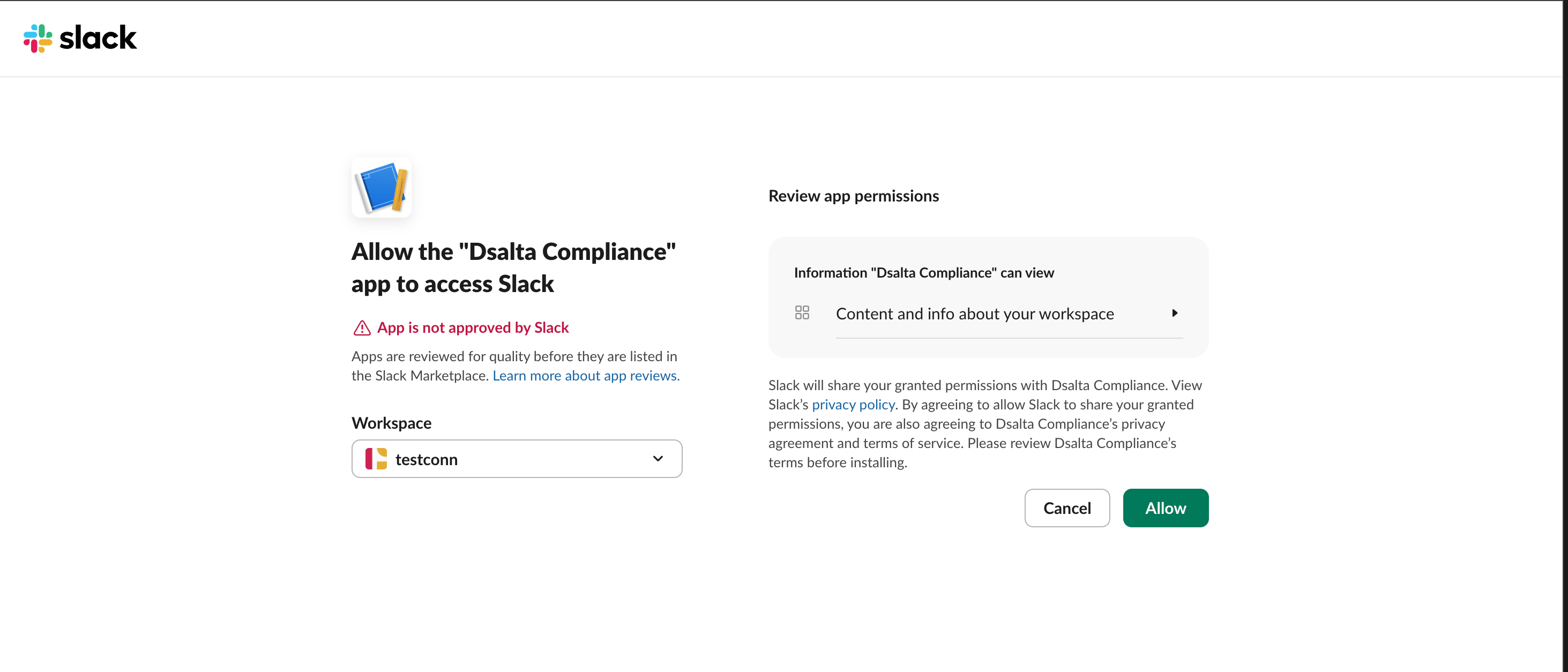
DSALTA connects to Slack using read-only API access to collect compliance evidence automatically. Data feeds into your Access accounts page.
Read-only access. DSALTA never modifies, creates, or deletes resources in your Slack environment.
DSALTA collects this integration’s data when you connect it — you can refresh it at any time with Sync from integrations on the Integrations page. The compliance checks below re-run once a day at 02:00 America/New_York.
What DSALTA reads
DSALTA reads the Slack workspace member roster — names, emails, workspace role (Primary Owner, Owner, Admin, Guest or Member), deactivated state and two-factor-authentication status. Both land on your Access page, whose Status column shows every synced account as Active, so verify removals in Slack itself. Bot users and Slackbot are skipped. Slack exposes no account-creation date, so the Created column shows the sync date, and two-factor status is only returned to Slack admins — if a non-admin authorized the connection every member is reported as MFA-off.It calls these Slack endpoints:/auth.test/users.list
users:read, users:read.emailEvery request is a read. DSALTA has no code path that creates, modifies, or deletes anything in your Slack environment.Troubleshooting
Integration shows Disconnected
Integration shows Disconnected
There is no Reconnect button. Open Integrations → Connected, click Manage on the Slack card, and check the Status tab — it shows either Connected and working properly or Connection issues detected. To restore a broken connection you must Disconnect and connect again, which permanently deletes the data and tests collected from Slack. This can happen if the Slack authorization was revoked or DSALTA’s app was removed from the workspace.
Data is not syncing
Data is not syncing
Confirm the person who authorized Slack still has access to the workspace and that DSALTA’s app is still installed, then click Sync from integrations on the Integrations page (Connected tab) — it refreshes every connected integration at once.